

Set up your mail app automatically – setup assistant on garmtech.email
- 17.07.2026 04:55
-
- email setup
- webmail
The fastest way to configure a GARMTECH mailbox in a mail app is the setup assistant on the webmail login page. It finds your mail server by your e-mail address and gives you a ready-made configuration – no need to look up hostnames and ports manually.
How to use it
- Open garmtech.email.
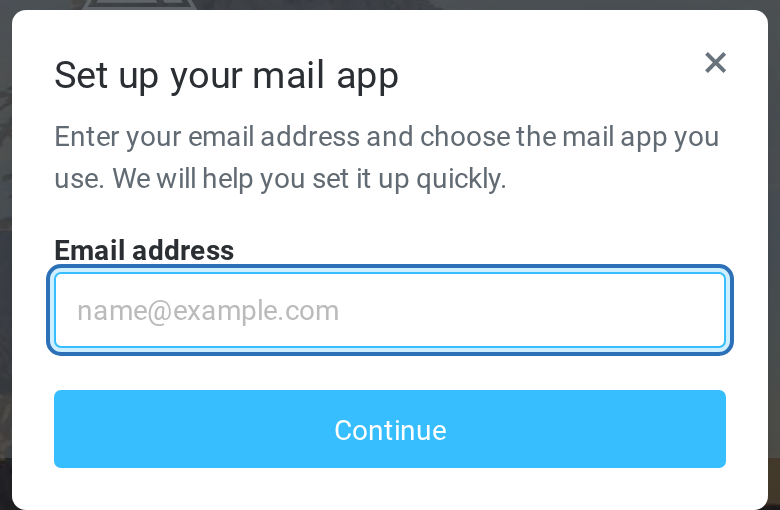
- On the login page, click the link "Want to set up your email in a mail client?".
- Enter your e-mail address and click Continue.
- You are redirected to the setup page of your mail server.
- Choose your mail app: Thunderbird, Gmail, iOS Mail, Outlook, Outlook 365 – or manual configuration. Depending on the app you get a downloadable profile, a QR code or the exact settings to copy.
Good to know
- The assistant never asks for your mailbox password and does not create or change anything in the mailbox.
- If you see "Could not determine the mail server" – check the spelling of the domain. If it is correct but the error remains, the domain may not be serviced by GARMTECH – contact support.
If you prefer to configure the app manually, all settings are listed in the article GARMTECH email settings (IMAP / POP3 / SMTP).
Related Articles
Comments
Add Comment